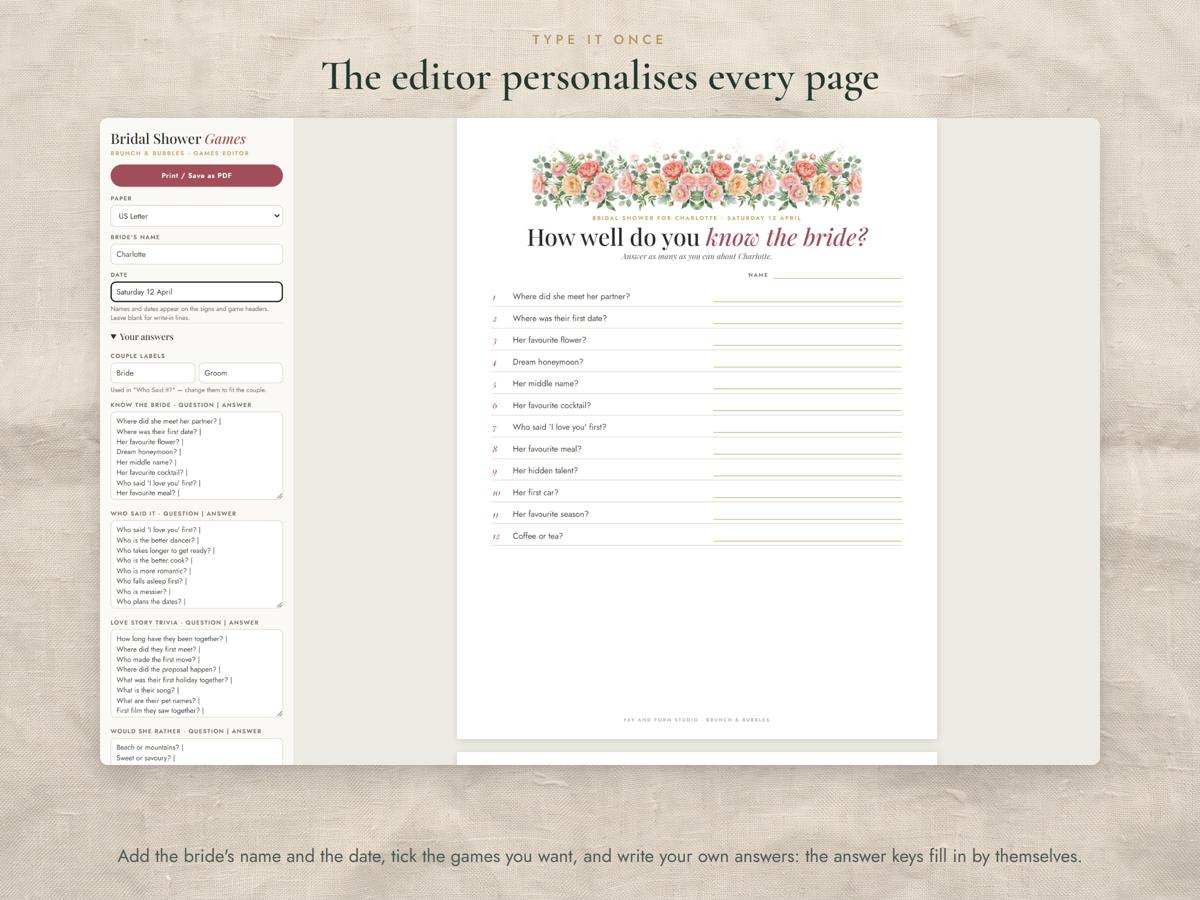
Brunch & Bubbles bridal shower editor: type your details once and the invitation, phone invite, welcome sign, brunch menu, thank-you card and favour tags all update. Painted blush peonies and champagne, in your browser, with nothing to install.
It's the instant-download, do-it-yourself companion to our made-to-order personalised bridal shower invitation.
Six pieces in one editor
- Invitation (5x7): print on card, or download a PNG
- Phone invite: a PNG sized to text, WhatsApp or email
- Welcome sign (8x10): prints at a true 8x10
- Brunch menu
- Thank-you card
- Favour tags: 8 per sheet, with the names filled in from your list
Three designs, three backgrounds
Choose Garland (a peony garland across the top), Corners (peony sprays in two corners) or Champagne (a champagne bottle with peonies and pearls above the text). Then choose Cream, White or Blush.
Two files in your download
- Editor (ZIP): unzip on a computer and open the .html file in Chrome or Edge. Works offline, nothing is uploaded
- Start Here guide (PDF): one page on opening the editor, choosing a look and printing
How it works
- Download and unzip the editor on a computer.
- Open the .html file in Chrome or Edge.
- Pick a piece, a design and a background, then type your details. Everything updates as you type.
- Download a PNG to text or email, or print at 100% / actual size on card.
Please note
- Digital download: nothing will be posted. You print the pages yourself.
- Use a computer for the editor. Your details save in your browser, so you can come back and edit them later on the same computer.
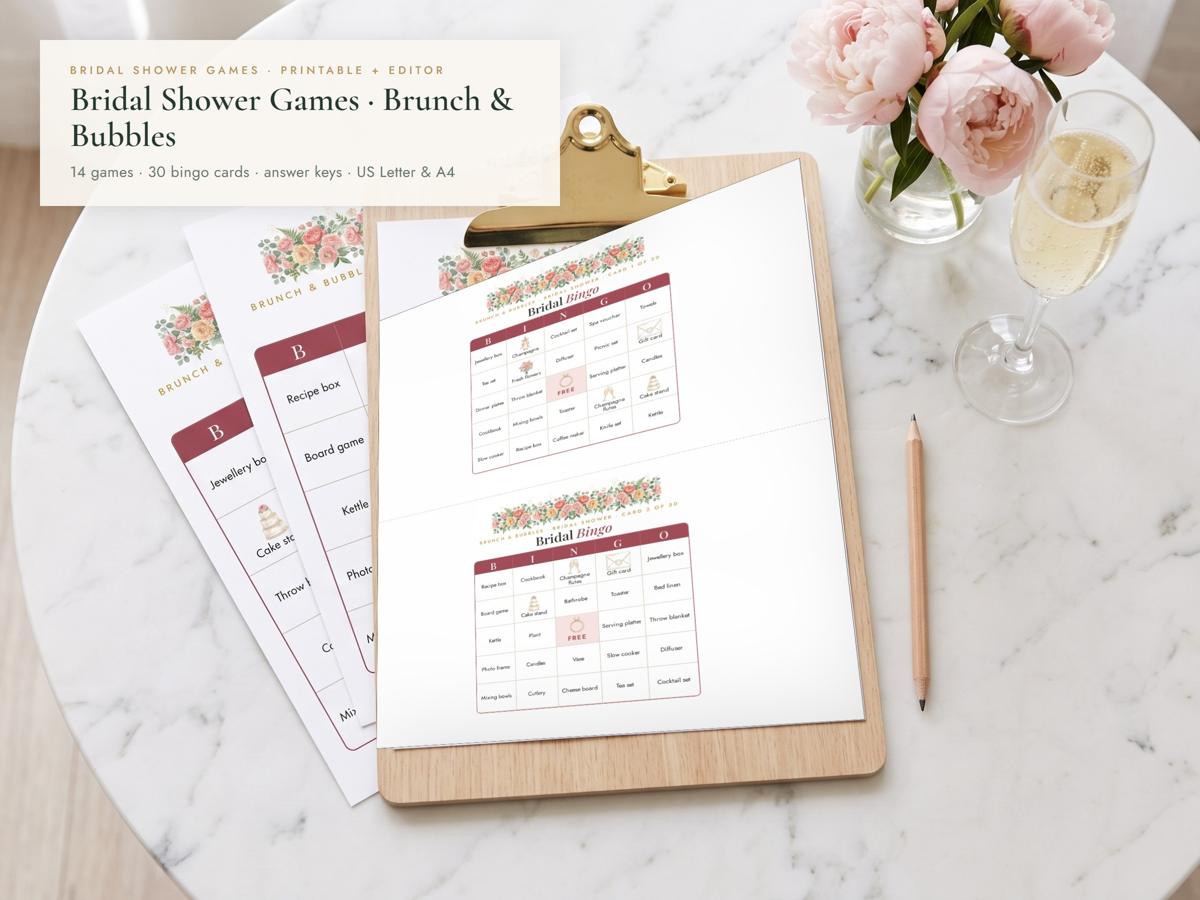
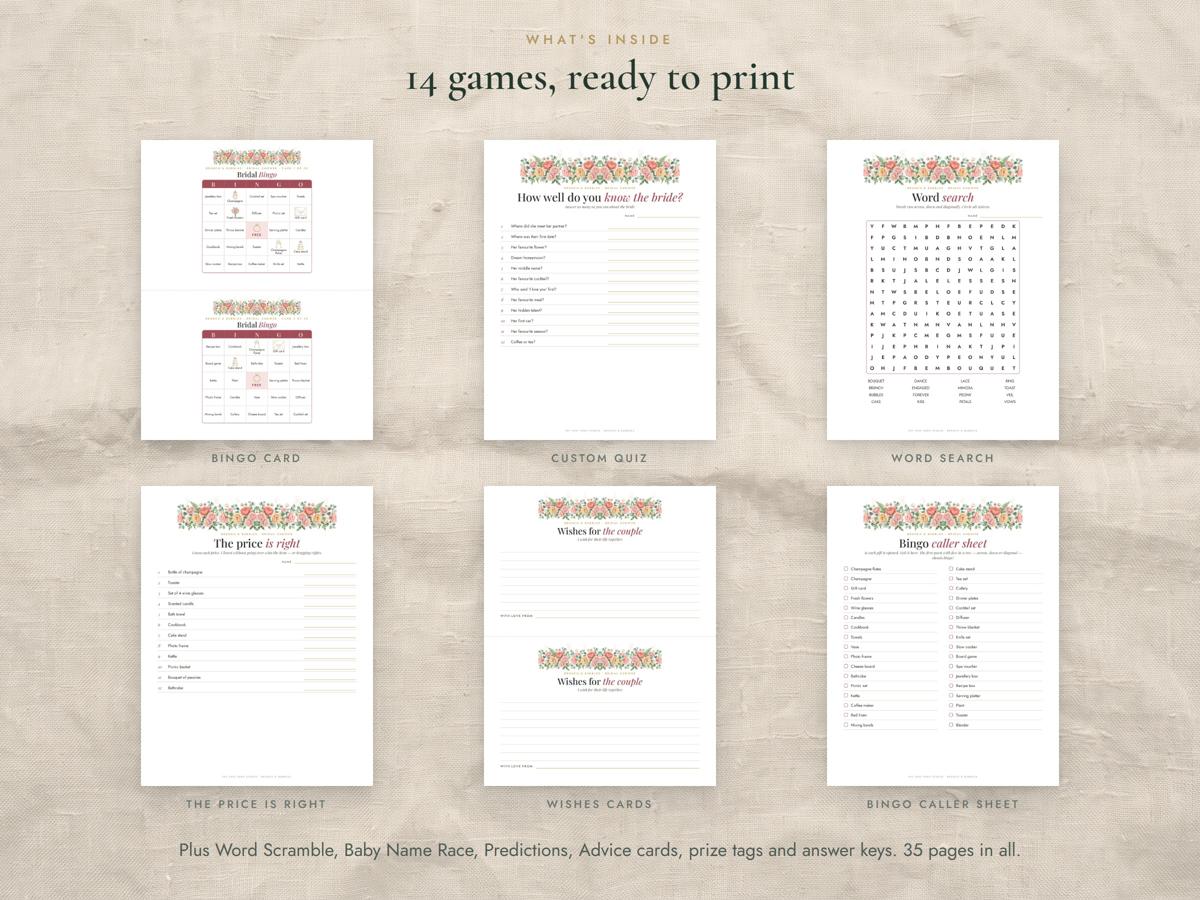
- Looking for matching games? See our Brunch & Bubbles Bridal Shower Games, or the Invitation + Games set.
- For personal use by one purchaser. Please don't share or resell the files.
Questions? Email hello@fayandform.com — we're happy to help.
Fay & Form Studio · thoughtful templates for work and life